
Choose one useful next action
Use Home, your private goal and Coach to make the next visit purposeful.
Use Home for the next useful step
Home brings together your recent driving, current focus and private plans. With no results yet, the useful next step is to connect or forward a result. With history, start from the evidence actually shown.
Keep one practical goal
Open the floating Coach, review the selected evidence and choose a goal you can use at the next visit. Save it deliberately. Marking a goal achieved is your assessment; it does not turn an unmeasured driving change into a verified result.
Completed and archived goals stay saved; choosing a fresh focus creates a separate goal. Saving a preference does not erase the evidence or history attached to your goal.
Switching venue does not rewrite a general saved goal. Notes and goals belong to your account; follow the save status before leaving the page.
Make a private plan
A visit plan is a reminder for you. It is not a booking, ticket purchase or message to a venue or another driver. Suggested practice, qualifying or race roles are editable planning choices, not a promise about an event's format.
Public event information is a dated reference. Check the official venue source before making travel or attendance plans.
Review after the visit
Open the new session, check its evidence and add the observation you want to remember. Use comparable visits to assess pace; use your notes to remember what you tried.
The floating Coach's calculated guidance does not require a model request. Separate AI tools have explicit request controls and availability limits. Understand Coach and AI.
Open Home ↗ · Review a session
Record a trial separately from a rating
A helpfulness rating rates the suggestion; it does not mean you tried it. Choose Try this to keep a trial, then I tried it to record an optional date, outcome and personal note. Wait for the saved confirmation. Failed saves retain your choice and use the account retry flow. Earlier trials remain available when new recorded visits refresh the suggestion. A trial never silently changes your goal or visit plan.
Your next planned visit appears once in the featured banner. View plan opens its existing editor; Add another plan creates a new private plan. Remove plan asks for confirmation. Other plans remain below, and removing a plan never changes recorded results or venue bookings.
Previous interface referencePreserved guidance · 2026-09-28
A private goal and next visit in the notebook
The floating Coach follows the selected venue, day or session. Its deterministic guide explains available timing and lets you keep a private goal. It cannot infer a driving cause from lap time alone. You can mark a goal achieved; Home says that you marked it and lets you acknowledge it. After acknowledgement, the completion reminder retires after two weeks while the goal stays in Coach.
Add plan keeps a private visit, optional time, note and session format. A dated official event may supply starting details, but saving never books or shares attendance. The next planned visit supplies Home's countdown. Goals and plans follow your account only after confirmed saves; the floating conversation is temporary.
The sections below describe established coaching priorities and planning in More tools. Existing saved actions remain available independently of the notebook goal.
Start with one grounded observation
Open Coach after reviewing Sessions and Progress. A Coach link from a selected day, session or comparison group carries that evidence into main Coach. Navigation does not save an action. Choose one observation supported by the saved evidence, then turn it into a target you can recognize during the next drive.
Home keeps its seven history totals alongside the recent-activity bars: timed sessions, other sessions, recorded dates, Events, laps, venues and tracks. The filters narrow this view; counts and activity describe recorded experience, not improvement.
Your saved coaching priority stays compact and visible. Latest driving day and Worth a closer look come before the broader venue history so the next review is easy to find. Venue history starts with the places you visit most, with other venues still accessible. Each venue preserves its separate comparison contexts; a single recorded date is a compact baseline rather than an oversized one-point chart. Repeated comparable dates can show a small trend with a link to Progress. Raw lap times from different contexts are never joined together.
Suggestions and your priorities
Coach offers a few suggestions from journal-based rules. They are not AI-generated and are not saved until you choose Add to my priorities. That saves the exact target shown. Your first priority appears on Home; choose Make Home priority on another saved action to change it. Not for me hides a suggestion, and Restore dismissed suggestions brings it back.
A suggested sub-27 target counts separate Nashville visit dates, not individual laps. After two dates, the rule may propose three. Once saved, that target stays at three; new evidence updates its progress without moving the goal. Choose Mark completed to retain the outcome in History, or Archive to stop showing an action as active. Session planner remains available for a target you choose yourself.
Create a useful action
- Name the next visit or session you are preparing for.
- Choose one focus that can be repeated or checked.
- Keep the target specific enough to review afterward.
- Save it so Home can keep the next step visible.
Good actions describe behavior you control, such as holding a clean five lap block within a chosen range. Weak actions only say “go faster” without defining what a better run looks like.
A synthetic Coach and Home loop showing how a grounded observation becomes a retained action.
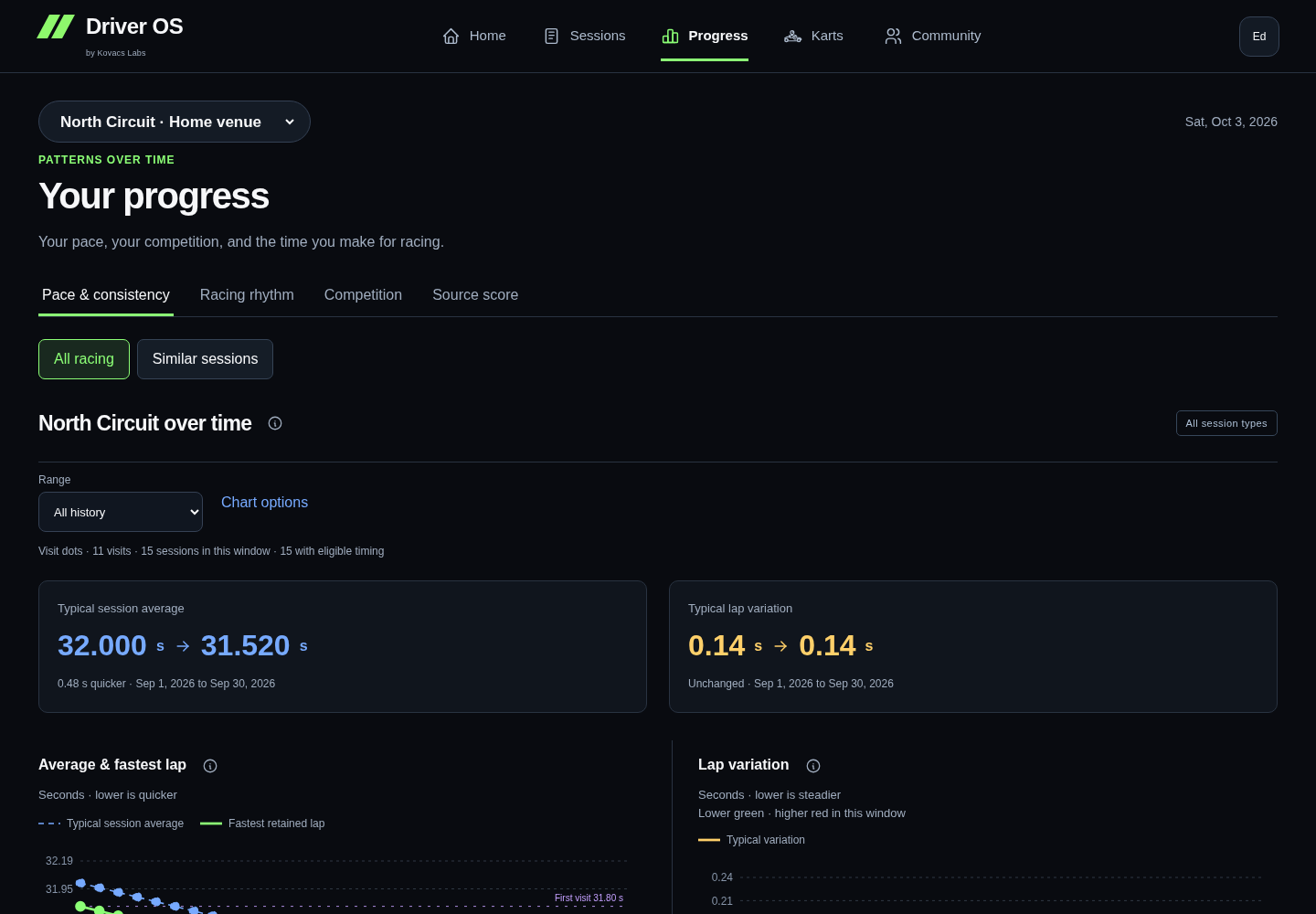 01 / 03OBSERVATION
Start with a pattern supported by saved comparable evidence.
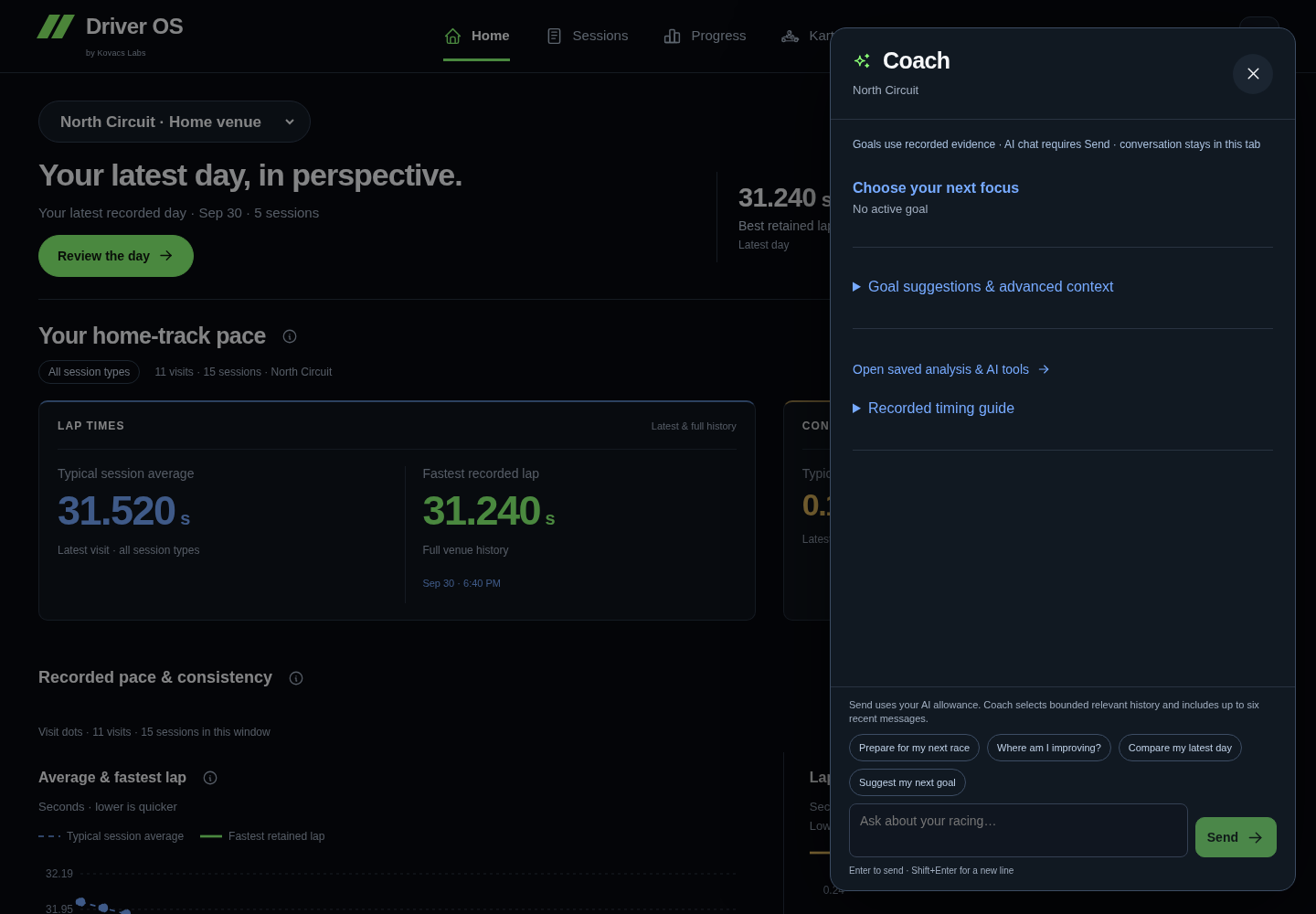
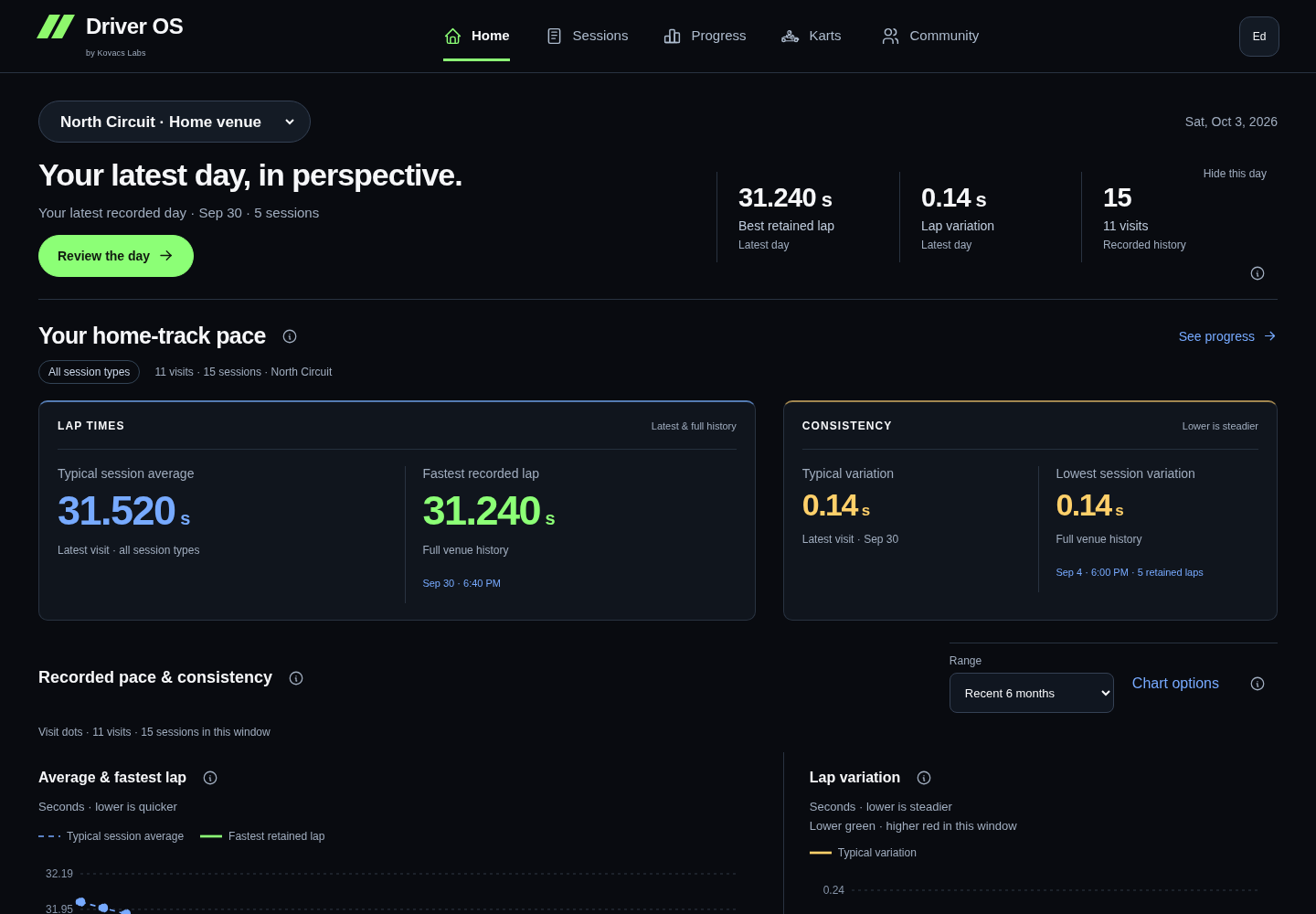
Read the demo transcript
- OBSERVATION: Start with a pattern supported by saved comparable evidence.
- ACTION: Turn the observation into one behavior you can repeat or check.
- FOLLOW THROUGH: Home keeps the action visible until the next drive gives you an outcome.
Completed pace targets
A repeated lap-time target can count practice, qualifying and race sessions on the same layout, class and vehicle context. Several sessions on one date count as one visit. Home celebrates a completed target with a graphic using the existing achievement count. Got it clears the celebration; otherwise it lasts seven days from the first display in this account and browser. The achievement remains available in Progress and a saved coaching priority is not completed, archived or replaced automatically. Another browser has its own acknowledgement state.
Keep reminders useful
Timing-review cues offer a direct route to a flagged session and Mark reviewed once you have inspected it. The session's Mark date review reviewed action clears the same reminder for that date and comparison. Undo or Show again restores it. Clearing a cue does not remove evidence or mean its cause has been explained. Your retained coaching action stays visible until you manage it in Coach.
After the drive
When Home shows a new Race Day Review, open it for the complete post-visit story. Its Save focus to Coach action keeps you at the focus and confirms the save in place. You can inspect the supporting Session or open the relevant Track before deciding.
Return to Coach and record the outcome. Complete the action when the evidence supports it, mark it missed when it did not happen, or keep a short note when the session could not test it fairly. The outcome stays connected to the supporting session.
Where AI fits
Driver OS calculations and saved actions do not require AI. Eligible drivers may request a clearly labeled explanation of prepared evidence, but AI cannot change measurements, import a result or silently rewrite a plan.
What success looks like
Home shows one current action rather than a pile of generic advice. After the next drive, Coach preserves what you tried and what the evidence showed.
Review Progress first Read the AI boundary
Make the page work for you
On Home, expand Saved layout & optional Home widgets, then choose Customize Home. The optional widgets keep their existing calculations and saved visibility/order from your saved layout; The wide review’s main history, next review and retained coaching priority stay available. Coach keeps Customize Coach on its Overview. Show or hide the approved optional sections and use Move up or Move down to order them. Select Save layout to keep your choices in your account across browsers and devices. After the save succeeds, the editor closes and returns you to the updated page. Cancel leaves the saved layout alone.
Reset to default restores the recommended arrangement in the editor; choose Save layout to keep the reset. Your current journal or current action and essential evidence context always remain available. Missing evidence is explained in the list, and at least one optional section stays shown.